
Conversion-Focused Website Optimization for SMEs
Karl Marais | 16 February 2026

Are potential customers dropping off the moment they land on your page? Simply having a website isn’t enough; it needs to convert visitors into paying customers. Even the fanciest design or cleverest copy falls flat if it doesn’t lead to sales.
Here’s your conversion-focused website optimization playbook, designed especially for SMEs to turn your site into a lead-generating powerhouse.
The Importance of Conversion-Focused Design for SMEs
For SMEs, your website should do more than serve as an online brochure; it must guide visitors through their buying journey.
Conversion-focused design achieves this by crafting a user experience (UX) that minimizes friction and guides users toward actions like form submissions or purchases.
This may involve mobile optimization, easy-to-navigate menus, and prominent call-to-action (CTA) buttons. By simplifying the journey, you can boost user satisfaction and increase conversion likelihood.
Higher conversion rates propel business growth, increasing your ROI and giving you a competitive edge in crowded markets.
Understanding Conversion Rates and Their Impact
A conversion rate is the percentage of visitors who complete a desired action, such as making a purchase or booking a consultation. It’s calculated as:
Conversion Rate = (Number of Conversions ÷ Total Visitors) × 100
Tracking this key metric helps SMEs monitor website effectiveness, refine their marketing strategies, and ultimately help achieve steady growth and profitability.
Why SMEs Must Prioritize Conversion Optimization
With limited budgets, SMEs must make every marketing dollar count. Conversion rate optimization (CRO) increases returns by systematically improving how your site turns visitors into customers.
CRO focuses on data and user experience, using analytics to refine strategies and outperform competitors, often without requiring large budgets.
Discover more about the role of conversion-focused landing pages here.
Key Principles of Mobile-First Design
With most of the web traffic coming from mobile devices, a mobile-first design is essential. Responsive sites automatically resize across all screens, providing a seamless experience that can encourage conversions.
Enhancing Mobile Responsiveness
A fluid, responsive layout ensures users can easily read, navigate, and interact with your site. Use concise copy, fast load times, readable text, and touch-friendly buttons, critical factors for engaging mobile users.
Testing Mobile Experiences Effectively
Regularly evaluate performance using tools such as Google’s mobile-friendly test and user testing across devices and network speeds. Consistent, proactive testing helps you stay ahead and identify issues that affect customer satisfaction.
Speed Optimization for Better Conversions
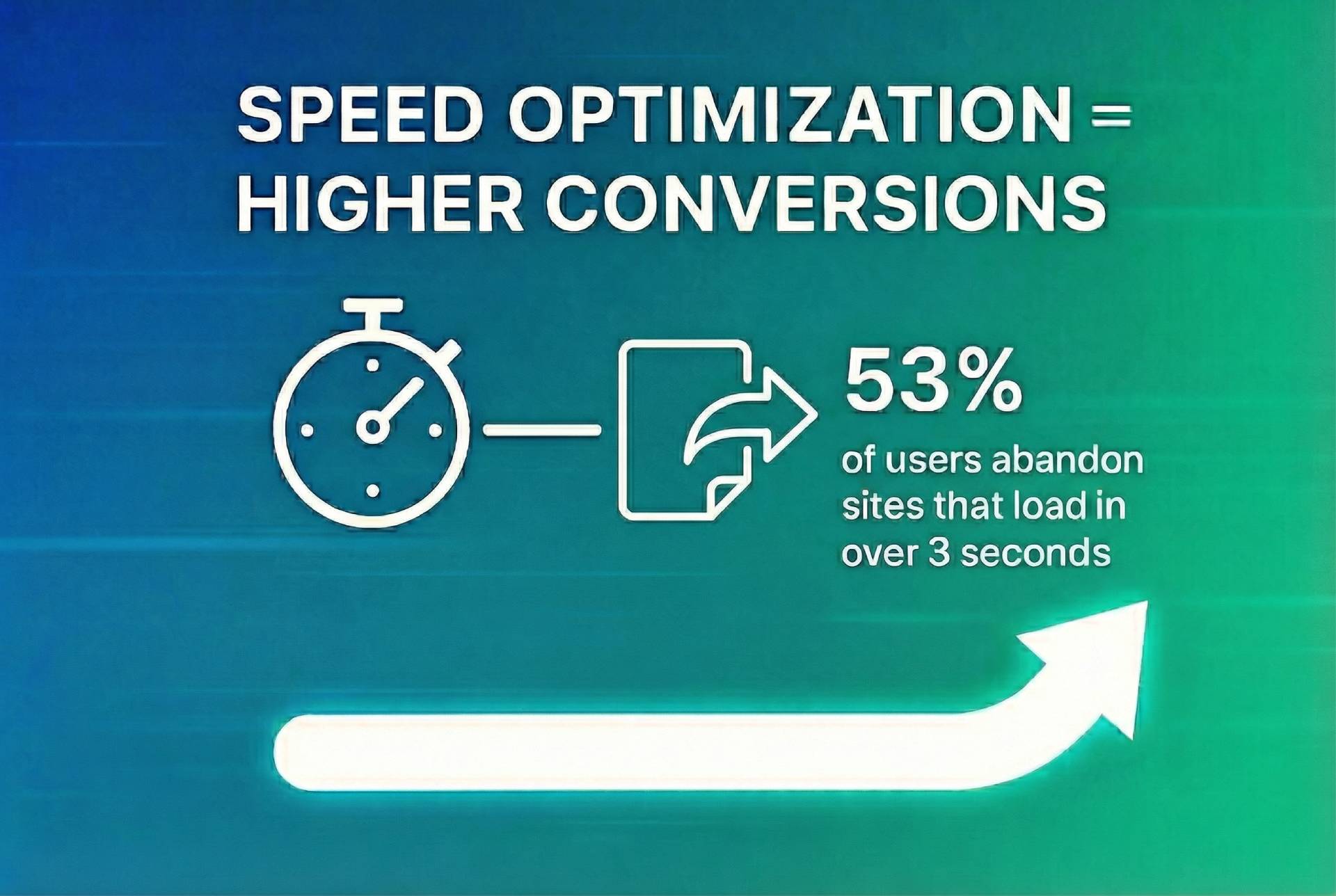
Page speed helps drive revenue. Faster sites reduce bounce rates, increase conversions, and rank better on search engines. Performance audits pinpoint areas for improvement.
Core Metrics to Monitor for Speed
Use tools such as PageSpeed Insights, paying close attention to Core Web Vitals, including Time to Interactive and First Contentful Paint. Regular tracking ensures ongoing improvements.
Implementing Speed Optimization Techniques
Improve speed by compressing images (e.g., using WebP), utilizing quality hosting and CDNs, reducing code and plugin bloat, and enabling caching and lazy loading. These tactics make your site more efficient and conversion-friendly.
Crafting Navigation for User-Centric Conversion
Clear, user-friendly navigation reduces frustration and makes it easy for visitors to find what they need, supporting conversions. Avoid overcrowded menus and confusing labels.
Strategic Navigation Placement
Place your primary menu where users expect it, typically in the header. Consider sticky navigation to keep menus accessible while users scroll, and use breadcrumbs to clarify where users are. Don’t overwhelm; guide visitors intentionally.
Pro Tips for Effective Navigation
Keep navigation clean and uncluttered. Organize items predictably, and prioritize key pages. Employ visual cues (bold text, color contrasts) to highlight important sections.
Designing Effective Calls-to-Action (CTA)
Your CTAs are crucial for guiding visitors to act. Make them specific, benefit-oriented, and visually distinct. Instead of “Submit,” use a clear call to action such as “Get My Free Guide Now.”
Best Practices for Maximum Impact
Use bold, high-contrast colors and prominent placement. Tailor your language to what users gain (e.g., “Start Your Free Trial”). Test different variants to discover what works best.
Strategic Placement of CTAs
Place CTAs above the fold and throughout your site at pivotal moments: after explaining your services, during checkout, or when a visitor is about to leave (exit-intent pop-ups). Sequence CTAs logically to guide users step by step through your funnel.
Building Trust with Social Proof and Security
Trust is a major factor in conversion. Feature reviews, testimonials, and certifications to demonstrate reliability. Display contact information and professional photography to build credibility, and include trust badges and affiliations.
Integrating Trust Elements
Place testimonials and reviews prominently, especially on landing and checkout pages. Use logos from well-known clients or case studies to add credibility.
Implementing Essential Security Measures
Use SSL certificates and HTTPS sitewide. Keep all software and plugins up to date. Enable two-factor authentication and run regular backups and malware scans to protect customer data.
Content Strategies That Drive Conversions
Content must answer user questions and solve their problems to establish your authority and trustworthiness. Know your audience and create engaging, skimmable, and relevant material.
Key Content Types for Conversion
Leverage educational blog posts, resource pages, lead magnets, FAQs, case studies, and checklists. Lead magnets (such as guides or templates) encourage users to share their contact information.
Essentials of a Conversion-Focused Content Strategy
Start with a clear value proposition. Use headings, bullet points, and concise language to make content scan-friendly. Continuously review performance data and adjust based on user feedback.
The Role of SEO in Conversion Optimization
A conversion-optimized site aligns SEO with user intent, attracting high-quality, relevant traffic. High-performing content that matches visitors’ needs leads to better engagement and conversions. Explore more on content marketing and SEO.
Technical SEO Fundamentals
Ensure clean URL structures, precise title tags, meta descriptions, and use schema markup. A well-structured site is easy for users and search engines to navigate.
Benefits of Local SEO for SMEs
Optimize for location-specific keywords, claim your Google Business Profile, and encourage reviews to increase visibility for local searchers.
Leveraging AI for Conversion Optimization
AI tools let SMEs analyze visitor behavior and personalize content, recommending products or layouts based on user actions. This can lead to smarter engagement and higher conversions.
Personalization through AI
AI tailors content and recommendations to user segments, helping to increase relevance and loyalty.
Using AI to Analyze Visitor Behavior
Heatmaps, session recordings, and predictive analytics reveal where users struggle and where improvements are needed. This data-driven insight helps identify barriers and opportunities for improving the user journey
Advanced Features that Enhance User Experience
Enhance engagement with live chat, AI-powered chatbots, and CRM integrations. These features are designed to capture and nurture leads automatically, making your website work harder with less manual effort.
Integrating Live Chat and AI
Live chat and chatbots provide instant support and answers, keeping users engaged and collecting valuable lead information.
Automation Tools for Marketing and CRM
Automation platforms streamline repetitive tasks like email follow-ups and newsletter personalization, improving lead nurturing and conversion without overwhelming your resources.
Implementing a Successful Conversion Rate Optimization Strategy
CRO is a continuous process. Define your goals, analyze where visitors drop off, and iterate through experimentation and testing. Engage in A/B testing, monitor results, and evolve based on data for continued gains.
The Leaky Bucket: Finding and Fixing Funnel Weaknesses
Identify high-exit pages and friction points (e.g., complex forms, slow load times, poor CTAs) and implement targeted optimizations. Regular testing and user feedback ensure ongoing improvement.
How to Track and Measure Conversion Success
Define your key conversion actions. Use Google Analytics, heatmaps, and CRM reports to monitor results and identify opportunities. Track metrics like conversion rate, bounce rate, and CPA to evaluate ROI and adjust strategies.
Common CRO Challenges and Solutions
Typical barriers include prioritizing design over usability, slow sites, unclear value propositions, and a lack of trust.
Address these with regular audits, simplified forms, trust signals, robust security, and clear, user-centric content. Use budget-friendly CRO tools and focus on high-impact improvements.
Conclusion
Continuous optimization can transform your SME website from a static presence to a dynamic, conversion-driving asset. By focusing on user experience, clear trust-building, strong CTAs, and data-driven testing, you set the foundation for growth.
As your business evolves, so should your online strategy, ensuring every site visit has the potential to become a valuable customer.